- What you need
- A DAW that hosts VST3 effects, on Windows or the Mac, or Audio Units on the Mac.
- Not supported yet
- Pro Tools (AAX) and CLAP.
- Where it sits
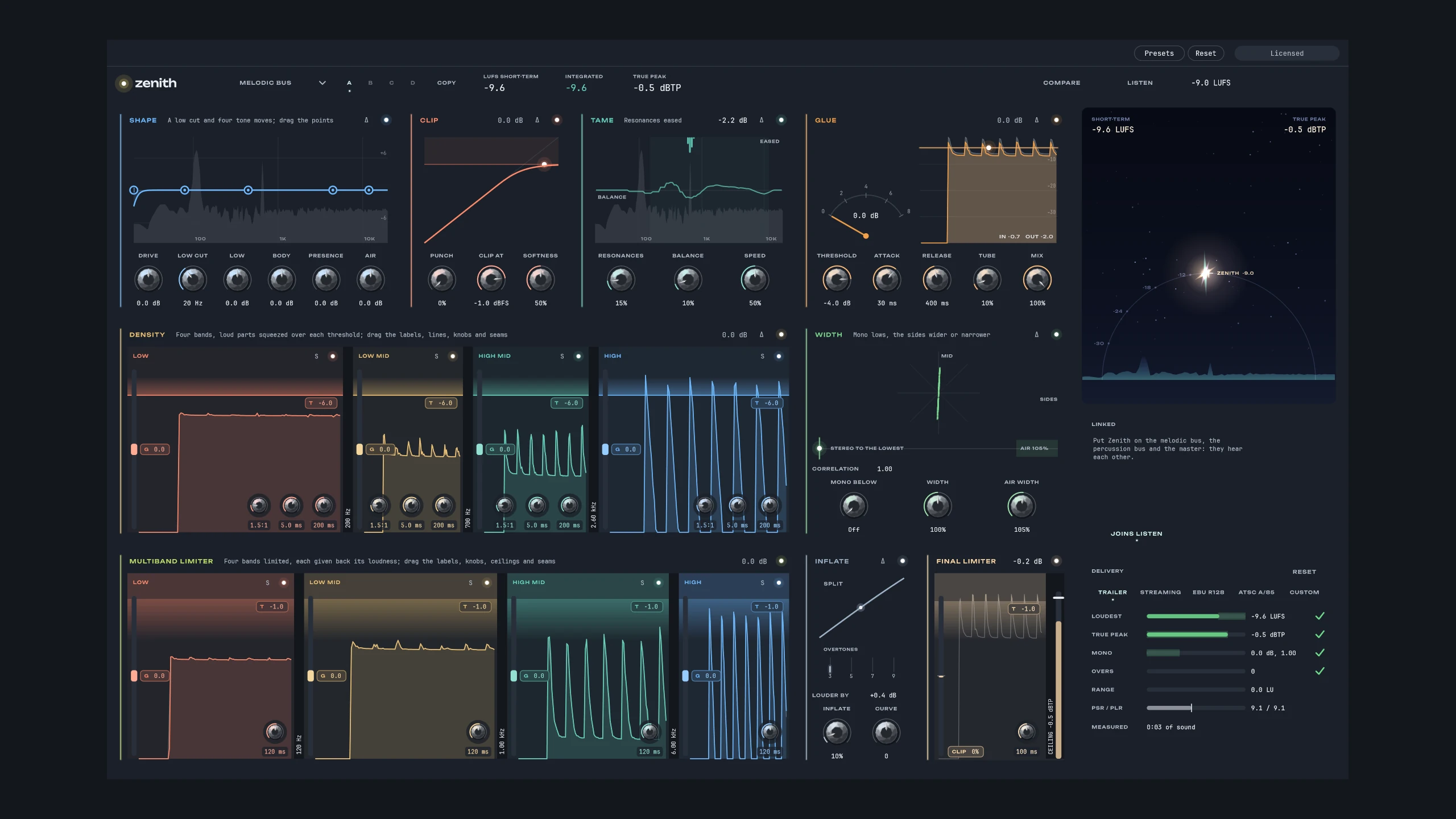
- Choose Melodic bus, Percussion bus or Master at the top of the window, and Start from the Settings for that place if you like. In your DAW, Zenith can’t see which bus it is on, so it starts as a melodic bus until you choose.
- Zeniths that work together
- The Zeniths in one project see each other (Linked), and Listen sets them together. They need to be the same format (all VST3 or all Audio Units) in the same DAW; a DAW that runs each plugin in a process of its own keeps them apart.
- Presets
- Presets, at the top of the window, saves your settings as presets of your own, there in every project (in Documents/Alex Pfeffer/Plugin Presets/Zenith). Reset sets every control back where it starts.
- The license key
- Zenith opens on its key panel until you enter the key from your receipt: paste it, or drop the key file onto the window. Until then, your project and every setting stay as they are, and the sound passes through unchanged. The key is checked on your computer; nothing is sent online.